ClockGate puts a time clock at every gate, a live dashboard on HR's screen, and a personal time card on every employee's phone. It runs on your own server, so the gate keeps working even when the internet doesn't.

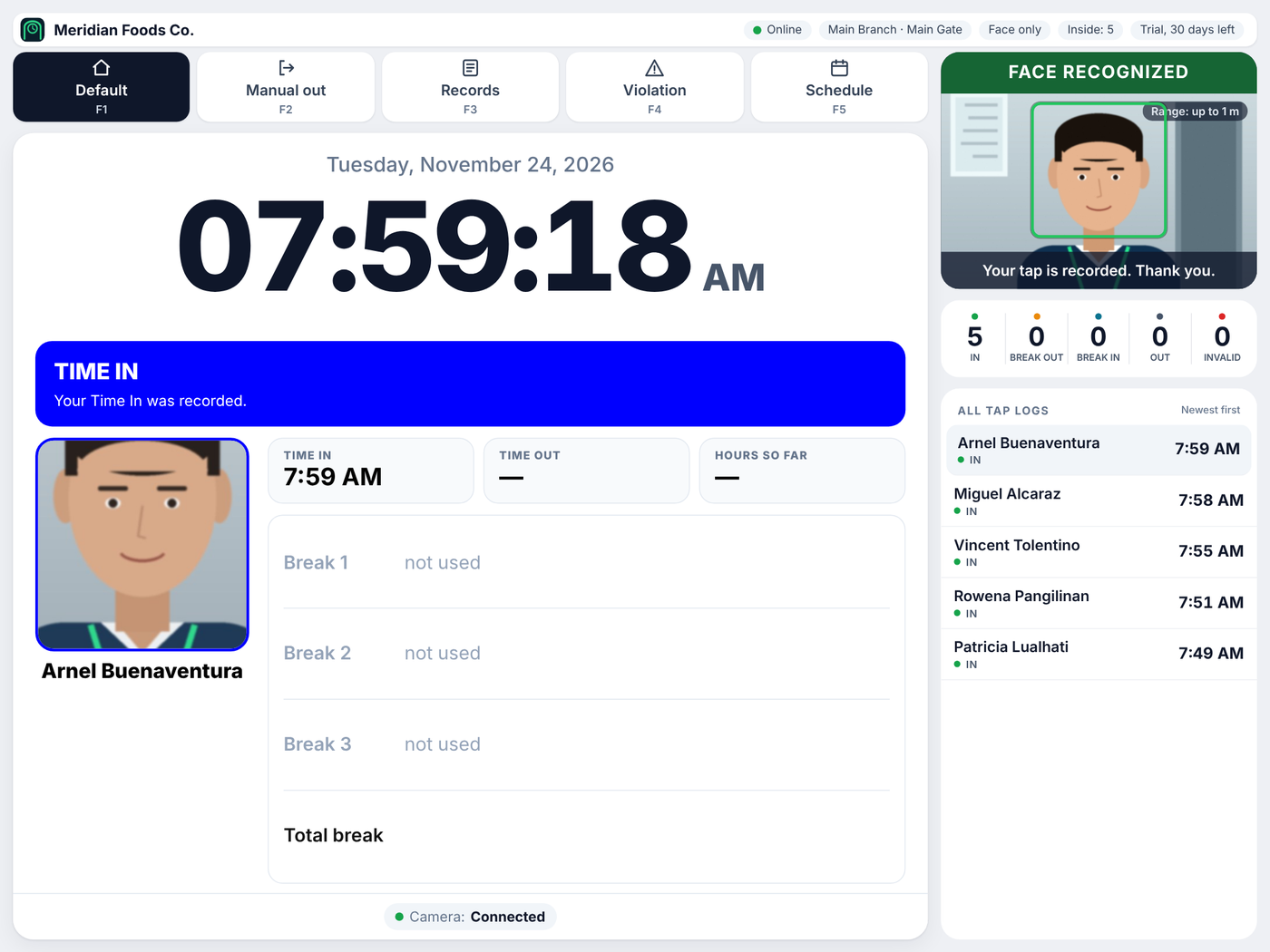
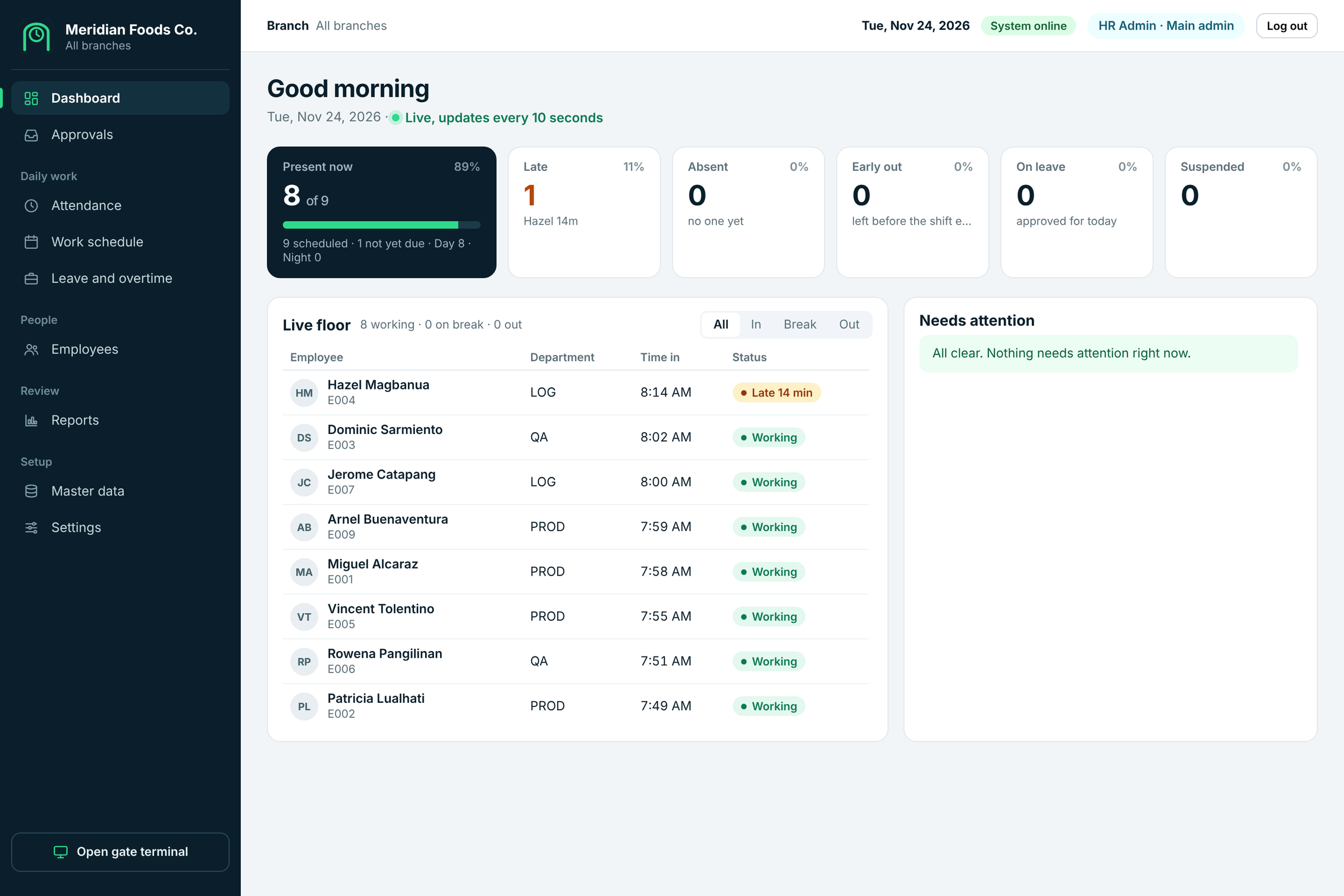
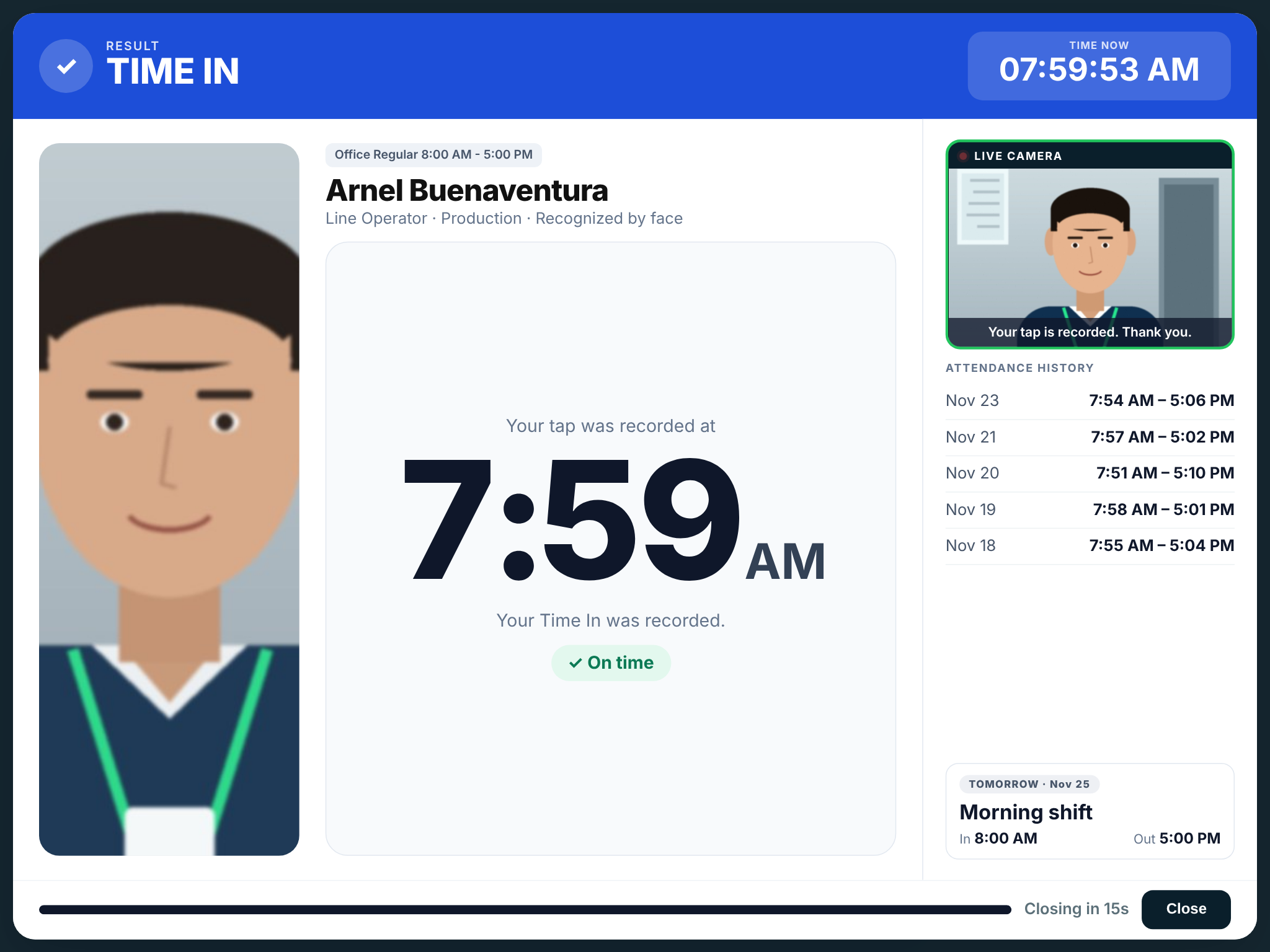
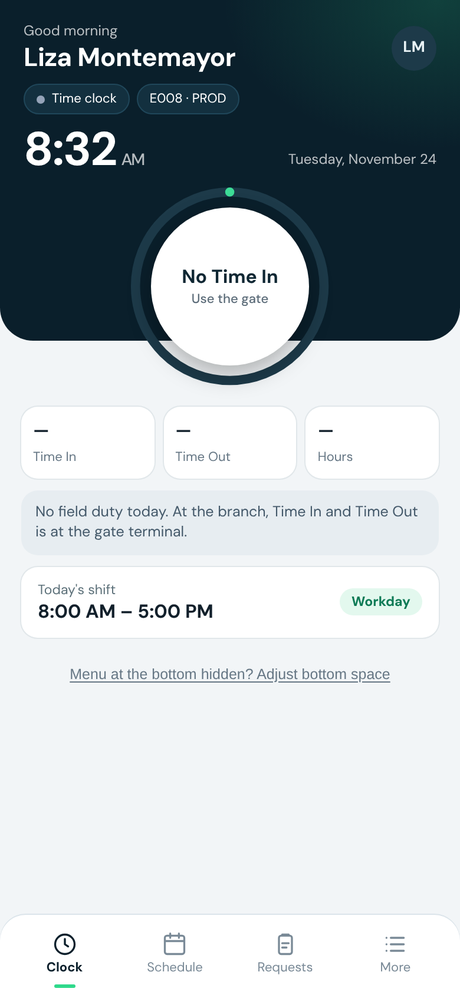
This is ClockGate running on sample data: what HR, the guard at the gate, and every employee will see on day one.


Who is in, who is late, who has not shown up yet. The dashboard refreshes on its own every few seconds, so nobody has to call the gate to ask.
At the gate, in the HR office, and with the phone app add-on, in every employee's pocket.
ClockGate is installed on a computer in your own office. The gate terminals and the admin console talk to it over your office network, so a dead internet line never stops anyone from clocking in. Only the phone app goes through the internet, for people working away from the site.
Online. Taps from the gate and from phones reach the server, and HR sees them right away.
Each branch keeps running on its own server, with its own people and records. Head office gets a copy of every branch, so company HR can see the whole company in one place.
7:58 AM. Each branch records its own taps on its own server.
The camera knows his face, and the screen shows his name and the time. The schedule already knows he's on the 8:00 shift, so he's marked on time.
✓ Face recognized · On timeThe dashboard moves her to Late the moment she taps. No one has to check a logbook.
Late 14 min · on the HR dashboardVincent files leave for Friday. His supervisor approves it from the admin console in one click.
✓ Leave approvedLate, undertime, overtime and leave are already computed. Export the report and send it to payroll.
↓ Report exportedWe set up a private demo with your name, your shifts and a few sample employees, so you can try the admin console, gate terminal and phone app.